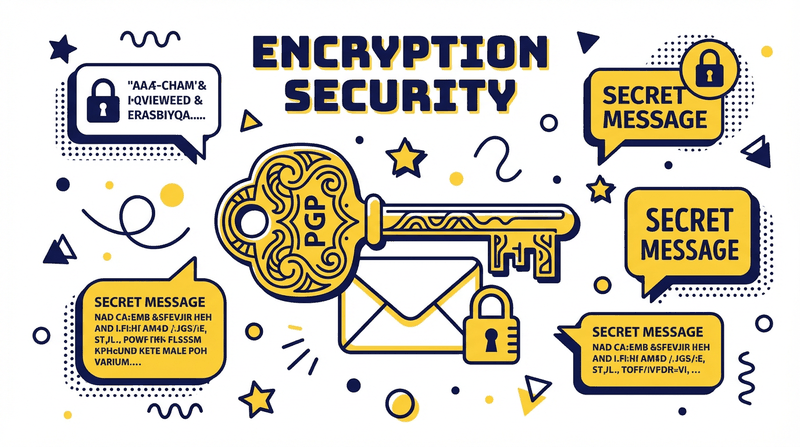
Pretty Good Privacy (PGP) is the encryption standard used throughout the dark web marketplace ecosystem for two critical purposes: encrypting sensitive communications (especially shipping addresses) and enabling two-factor authentication that's resistant to phishing attacks.
What PGP Does
PGP uses asymmetric cryptography — you have a public key (shareable with anyone) and a private key (never shared, kept securely). Anyone can encrypt data to your public key, but only you can decrypt it with your private key. Conversely, you can sign messages with your private key, and anyone with your public key can verify the signature is authentic.
Installing GPG
Windows users: download Gpg4win (which includes the Kleopatra GUI interface) from gpg4win.org. Linux users: GnuPG is usually pre-installed; run gpg --version to verify. Mac users: download GPG Suite from gpgtools.org.
Generating Your Key Pair
In Kleopatra: click New Key Pair → Create a personal OpenPGP key pair → Enter a username (do not use your real name) → leave email blank → set a strong passphrase → choose RSA 4096-bit. Store your key backup and revocation certificate in a physically secure location off any networked device.
Encrypting Vendor Messages
Import the vendor's public key from their market profile. In Kleopatra: Notepad → enter your message → click Encrypt → select vendor key → copy the encrypted output. Only the vendor can decrypt this message. Always encrypt shipping addresses before sending.
Setting Up PGP 2FA on the Market
In your market account settings, upload your public PGP key. Enable PGP 2FA. On each login, a challenge phrase will be encrypted to your public key — decrypt it, enter the plaintext to complete login. This makes phishing attacks that capture passwords useless without your physical private key.
Verify Market PGP Key
Import the official TorZon PGP key from our Enter Market page and use it to verify all signed market communications.